A deployment playbook, not a help-center wall.
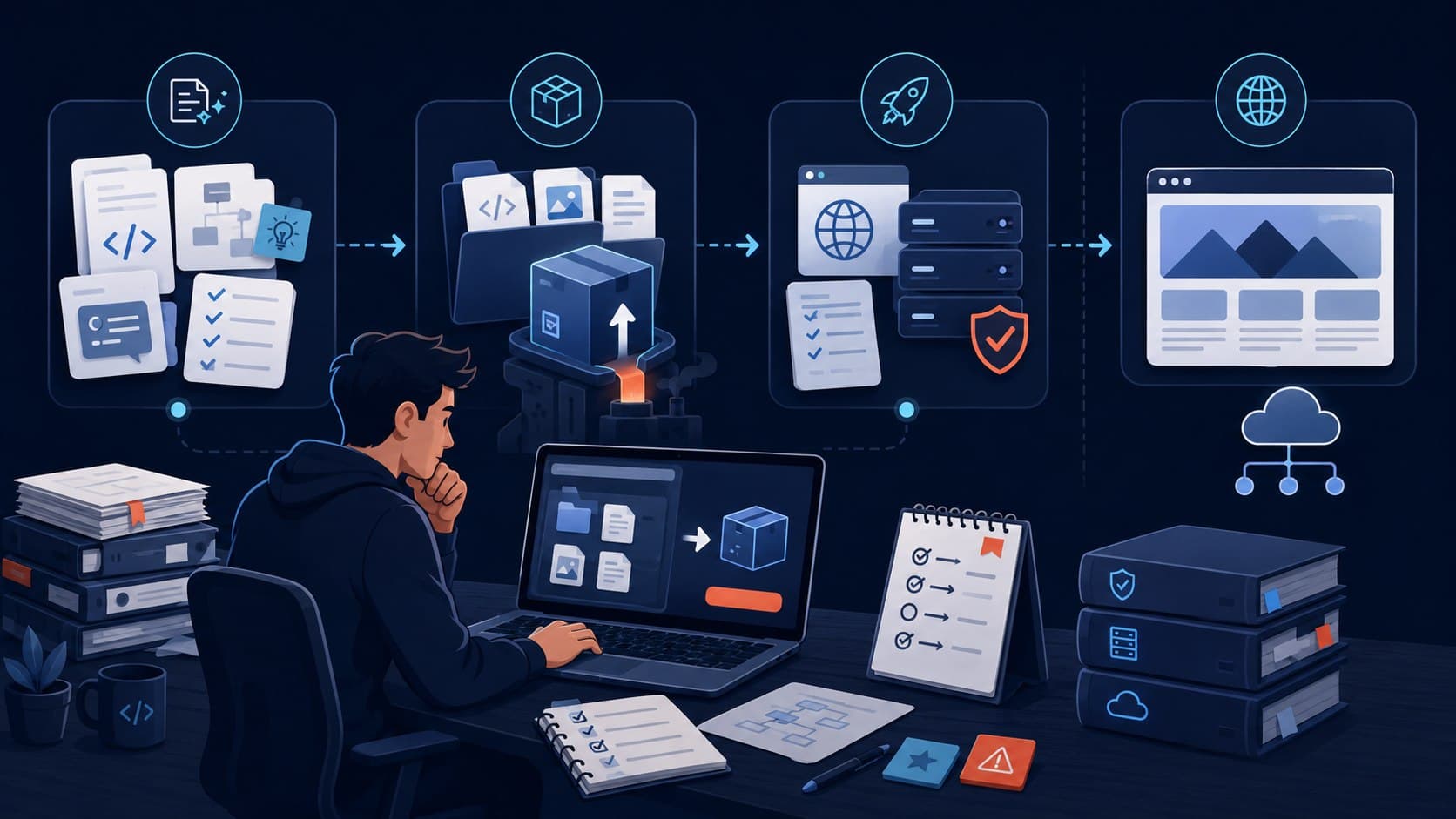
Follow the path from prompt to exported source, then choose a deploy target and ship the static package without keeping Foundry in the runtime path.
Start with a prompt
Describe the business, audience, required pages, tone, visual direction, and must-have calls to action. Foundry turns that structured brief into a draft project.
Revise the generated site
Ask for concrete changes such as moving sections, changing copy, adding FAQs, or making the design more minimal. Foundry preserves the project files while revising.
Export the ZIP
Inspect the source package from the builder and download the ZIP when it is ready. Static exports contain HTML, CSS, JavaScript, editable data, config, and a deploy README.
Deploy anywhere static files run
Upload the export to Netlify, Vercel, Cloudflare Pages, GitHub Pages, S3, or your own server. The site does not need Foundry to keep serving.